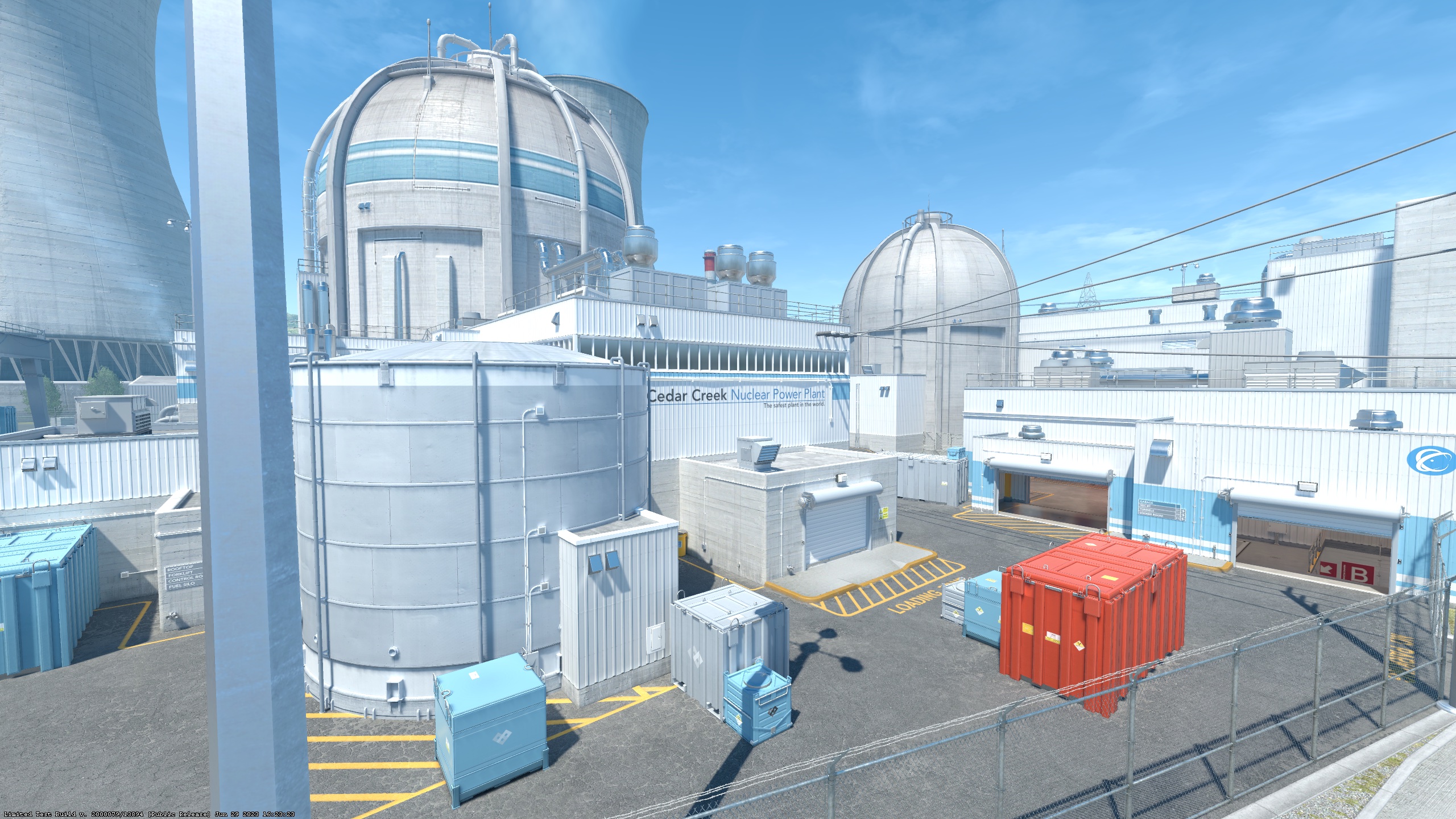
Crosshair Settings
Style
Center dot
Length
Thickness
Gap
Outline
Outline th.
T-Style
Red
Green
Blue
Alpha enabled
Alpha
How to Use
1
Customize
Adjust settings using the controls above. Preview updates in real-time.
2
Copy Commands
Click "Copy Commands" to copy all crosshair commands.
3
Apply in CS2
Open console with ~, paste commands and press Enter.
Export & Share
Console Commands
cl_crosshairstyle "4"; cl_crosshairsize "2.5"; cl_crosshairthickness "1"; cl_crosshairgap "-1"; cl_crosshairdot "0"; cl_crosshair_t "0"; cl_crosshair_drawoutline "0"; cl_crosshair_outlinethickness "1"; cl_crosshaircolor "1"; cl_crosshaircolor_r "0"; cl_crosshaircolor_g "255"; cl_crosshaircolor_b "0"; cl_crosshairalpha "200"; cl_crosshairusealpha "1"; cl_crosshairgap_useweaponvalue "0"; cl_fixedcrosshairgap "-1"; cl_crosshair_dynamic_splitalpha_innermod "1"; cl_crosshair_dynamic_splitalpha_outermod "0.5"
Share Code
CSGO-NC0yN-S0xMC-05MC0-wLTAt-MC0xMPreview